
Residential Site Map Maker | Building Numbers & Visitor Guides
A residential building wayfinding map centers on building numbers and open entrances to help visitors find their target building and shared amenities from the main gate. First prepare building numbers, vehicle and pedestrian access points and facility details verified by property management, then create a base area map and edit it. Building outlines on the map must be cross-checked; unit numbers, access control details and indoor floor information will not be auto-filled by the geographic base map.
MapRove product guide · Updated
What information is needed for a residential building layout map?
Compile official building numbers, building entrances, gate names, the property management office, parcel pickup points and shared services. For multi-phase residential communities, clearly mark each phase name. If building numbers differ from sales or marketing names, use the official on-site signage first to prevent visitors from going to a different building with the same name.
How do you show pedestrian and vehicle entrances separately?
Distinguish visitor pedestrian entrances, garage entrances and fire access lanes on the map. Walls, closed gates and elevation changes may block roads shown on the base map, so on-site verification is required. Parking space layouts and elevator routes inside garages require accurate data from property management; do not infer them from the outdoor base map.
How do you set the “you are here” marker on building wayfinding signs?
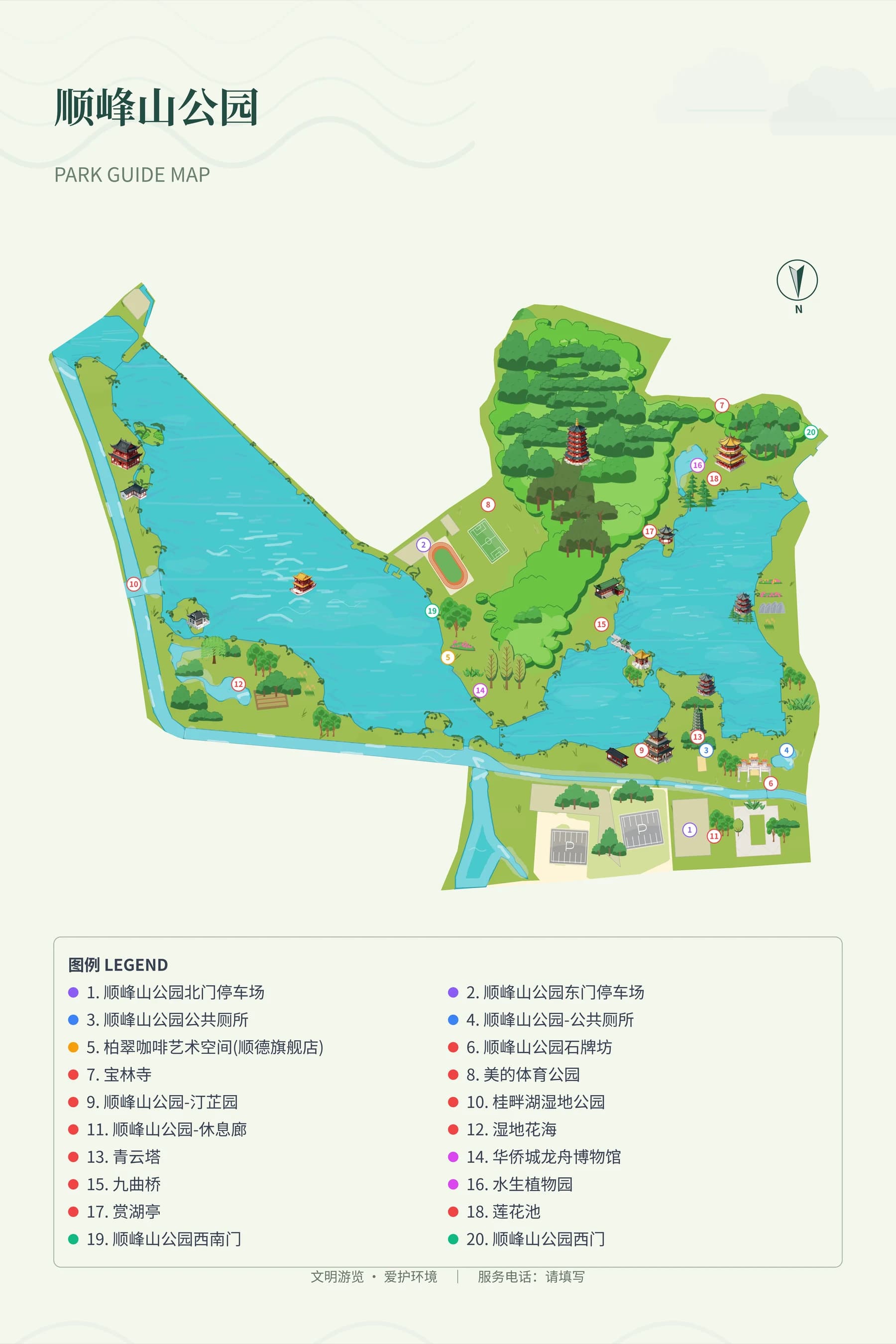
Mark the installation point and viewing direction individually on each sign. Place signs near entrances with clear routes to each building. Use more prominent text for building numbers than for landscape feature names, and make sure greenery illustrations do not cover walkways. The park reference image only helps compare road and zone hierarchy; it is not an actual view of this residential community.
How do you keep map versions consistent for property handover?
Test-read the map using three common tasks: going from an entrance to a building, going from a building to the property office, and a visitor returning to an exit. Use the same set of building numbers on overview signs and service desk mini-maps, and update them synchronously when names change or gates are closed. Before printing, check the smallest building number text and legend against the final sign dimensions.
Frequently asked questions
Can I draw a residential site plan online?
You can create an area base map in MapRove and edit buildings, roads and labels. It is suitable for visitor wayfinding and location reference; for building dimensions and engineering use cases, accurate drawings and professional review are required.
How do I change building numbers on a residential wayfinding map template?
First confirm the location and official number of each building against the property management list, then edit the corresponding labels. Do not auto-number buildings based only on their arrangement order; phase divisions, skipped numbers and unit entrances all need to be verified.
Can a residential community map show individual resident information?
Public wayfinding maps typically only need buildings, unit entrances and shared services. Resident names, contact details and access control information should not be included on public maps; property management internal operations should use appropriate management systems.
Can a PDF export of a community map be used directly for wayfinding signs?
After export, you still need to confirm sign dimensions, fonts, bleed and material requirements with the sign manufacturer, and review a proof. The “you are here” marker and viewing direction for each installation point must also be inspected individually.
Related map design workflows
- Wayfinding Maps & Visitor Signage
- Business & Industrial Park Visitor Maps
- Printable Map Design, Boards & Brochures