
Hiking Route Map Maker | Trail Guides & Forest Park Maps
A hiking route schematic should clearly state start and end points, route segments, key junctions and return options. First collect officially confirmed open trail information and on-site data, then edit the route on a regional base map. Wayfinding maps are suitable for explaining visit arrangements, and cannot replace real-time positioning, professional outdoor navigation or on-site access judgment.
MapRove product guide · Updated
What basic materials are needed for a hiking route map?
Prepare entrances, route tracks, key junctions, bridges, supply points and exit locations, and record data sources and verification dates. Forest trails may be missing or offset, so supplement with on-site data; do not treat historical tracks directly as currently permitted routes.
How to draw loop and out-and-back trails clearly?
Use clear arrows to indicate recommended directions, and label out-and-back sections and loop sections separately. Use consistent numbering for consecutive segments, and match junction names to on-site signs; for start and end points that require shuttle transport, explain arrival methods to prevent visitors from following the map into routes with no return option.
Can mileage, elevation gain and estimated time be written directly on the map?
Mileage and cumulative elevation gain should come from reliable tracks or official management data, and elevation gain cannot be replaced by simply subtracting the start point elevation from the end point elevation. State the basis and applicable conditions for estimated time, and do not infer it from straight-line distance; weather, physical fitness and temporary closures will affect actual travel.
How to design wayfinding signs for forest park trail maps?
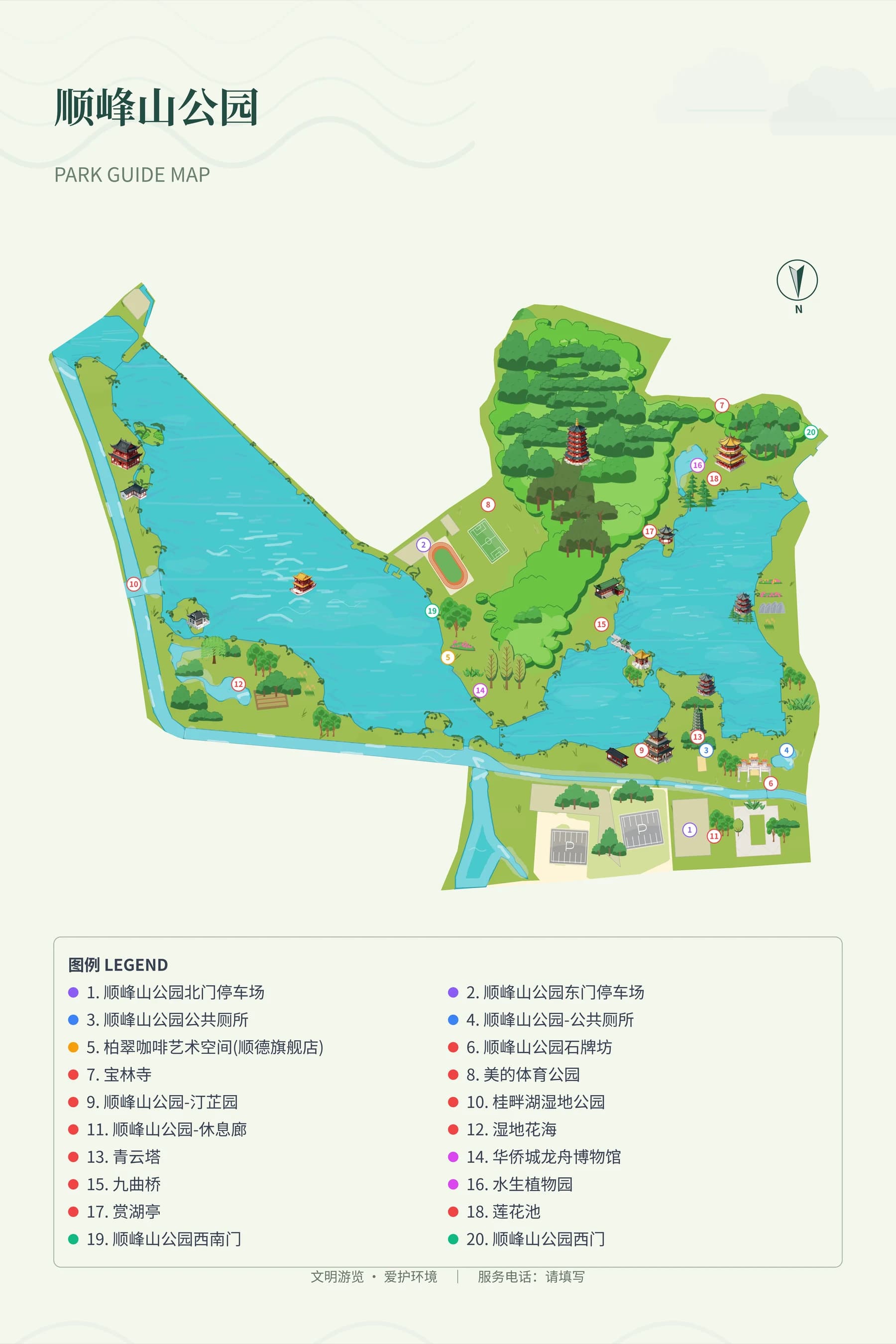
Focus on current location, reachable nodes and return exits, and maintain contrast between the route and the terrain background. Park reference maps only illustrate layout organization; maps should be used together with on-site signs and management notices, and printed versions should include the version date and the service channel responsible for maintenance.
Frequently asked questions
Can hiking route maps be created online?
You can use MapRove to edit base maps, routes and labels, then export schematic maps according to your plan. First verify the opening status, connection relationships and data sources of the trails, and prepare suitable navigation tools and on-site information separately for actual trips.
Can mountain hiking route maps automatically calculate difficulty?
Reliable difficulty ratings cannot be derived from the map display alone. Slope, trail surface, exposure conditions and opening status require professional data or management authority explanations; this page does not treat route color coding as a difficulty assessment.
How to choose a forest park hiking map template?
Prioritize checking the presentation of junctions, directions, segments and exits, then consider hand-drawn decorative elements. For different parks, you must replace the template content with the corresponding real trails; reference images cannot be used directly for outdoor navigation.
How to update printed maps after a trail is closed?
Update digital images and on-site notices simultaneously, explain the changes at entrances and key junctions, and replace old wayfinding signs when necessary. Do not assume visitors will stop using old paper maps just because you have modified the online file.
Related map design workflows
- Park, Garden & Botanical Map Design
- Wetland Park Map Maker | Boardwalks & Birdwatching Routes
- Cycling Route Map Maker | Rural Rides & Greenway Guides