
Wedding Venue Map Maker | Guest Directions & Outdoor Layouts
A wedding venue visitor map helps guests find the check-in, ceremony and banquet areas in order from the parking or drop-off point. First collect entrances, roads and event zones confirmed by the venue, then edit and add labels on the base map. Guest personal details and seating lists do not need to be included in the public venue map; event dates and temporary arrangements are checked separately per wedding version.
MapRove product guide · Updated
How do wedding maps and arrival directions divide their roles?
Arrival directions explain the navigation destination, parking and drop-off; on-site maps explain check-in, ceremony, banquet and public services. If the estate main gate differs from the entrance open on the event day, prioritize the event entrance confirmed by the venue to prevent guests from taking detours.
How to draw ceremony and banquet routes for outdoor weddings?
Verify the actual connections of lawns, covered walkways, steps and restrooms, and align routes with the event flow. Access conditions for elderly guests and strollers are confirmed by the venue; do not judge accessibility solely by the proximity of two points on a flat plan. Photo decor must not block key entrances.
How to maintain map versions for rainy-day backup venues?
Mark the date and venue name clearly on both sunny and rainy-day versions, and keep the numbering of check-in, ceremony and banquet consistent. When changing the plan, update invitation information and on-site guidance simultaneously; the map itself does not determine whether the event can be held, and backup arrangements are confirmed by the organizer.
How to lay out small invitation maps and on-site direction signs?
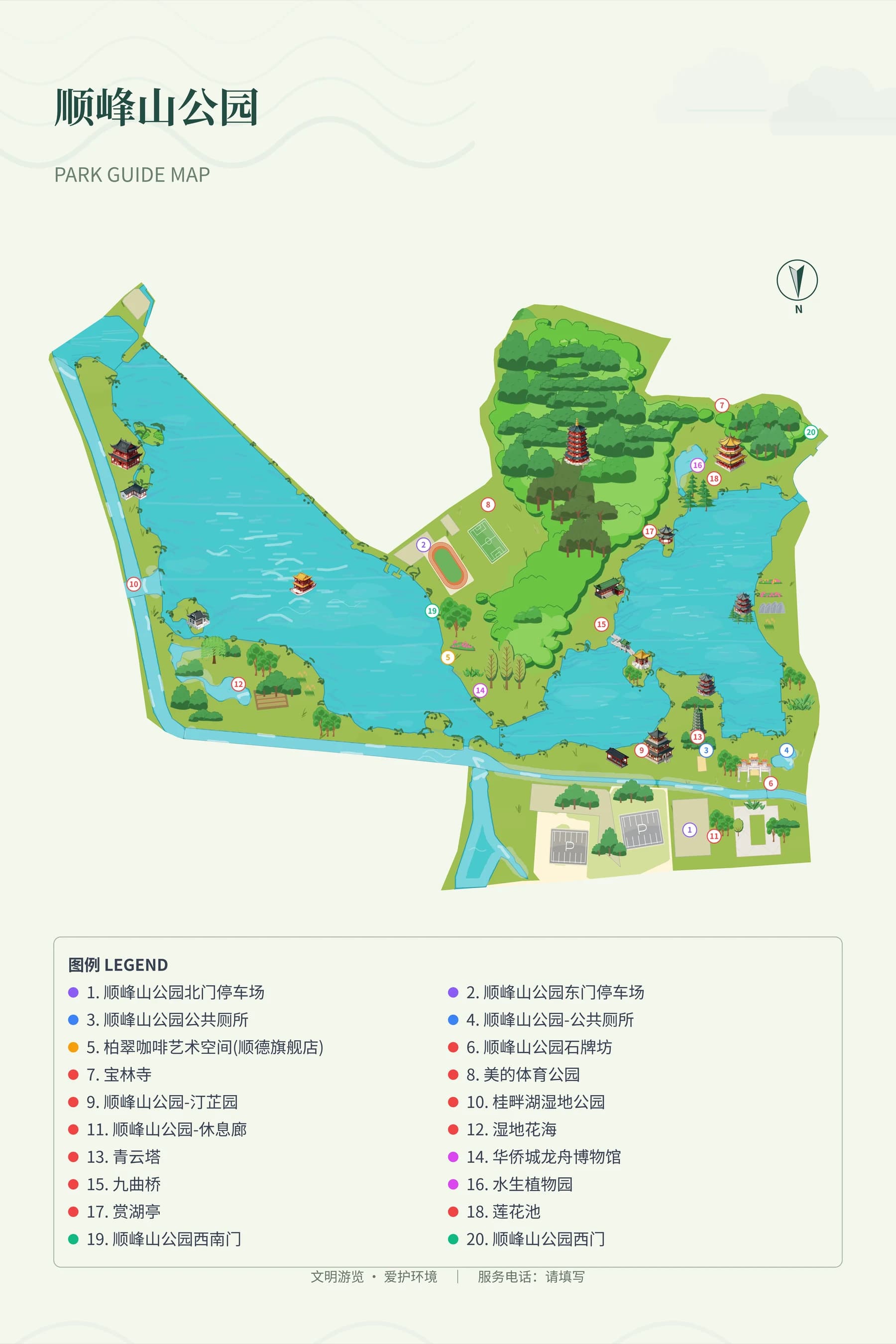
Invitations keep only a small amount of information needed for arrival; direction signs add current location, directions and public services. The park reference map is only used to compare the presentation of roads and zones. After exporting according to the package, check the mobile reading and actual paper effects; confirm authorization before using venue photos or logos.
Frequently asked questions
What online software is used to make hand-drawn wedding maps?
You can create a base map of the area where the venue is located in MapRove, and edit event zones and guest routes. Precise indoor banquet hall and seating charts require venue floor plan materials; this page mainly introduces outdoor venue visitor mapping.
Can wedding map templates be placed in electronic invitations?
You can export the map as an image according to the package and then insert it into an invitation tool. The exported file is not equivalent to a complete invitation creation service; image size and event information need to be checked in the target tool.
Should estate wedding venue maps label guest names?
Public directions only need venue zones, services and routes. Personal names, seating arrangements and contact information should be provided through appropriate guest notification channels, and should not be mixed with public maps.
Can wedding venue visitor maps be exported without a watermark for free?
The benefits of free trial and paid export differ; watermark-free and high-definition capabilities are subject to the current billing page description. Before formally making invitations or direction signs, you should check the package and material authorization.
Related map design workflows
- Venue, Festival & Event Map Design
- Resort, Hotel & Campsite Map Maker
- Printable Map Design, Boards & Brochures