
Outdoor Learning Map Maker | School Visits & Activity Routes
A outdoor learning site visitor map needs to show both site locations and program sequence at the same time. Start with a stable base map of the site, verify check-in points, assembly areas, program stops and service facilities, then create route versions for different classes or activities. Program capacity, activity schedules and management requirements are to be confirmed by the base and the organizing party.
MapRove product guide · Updated
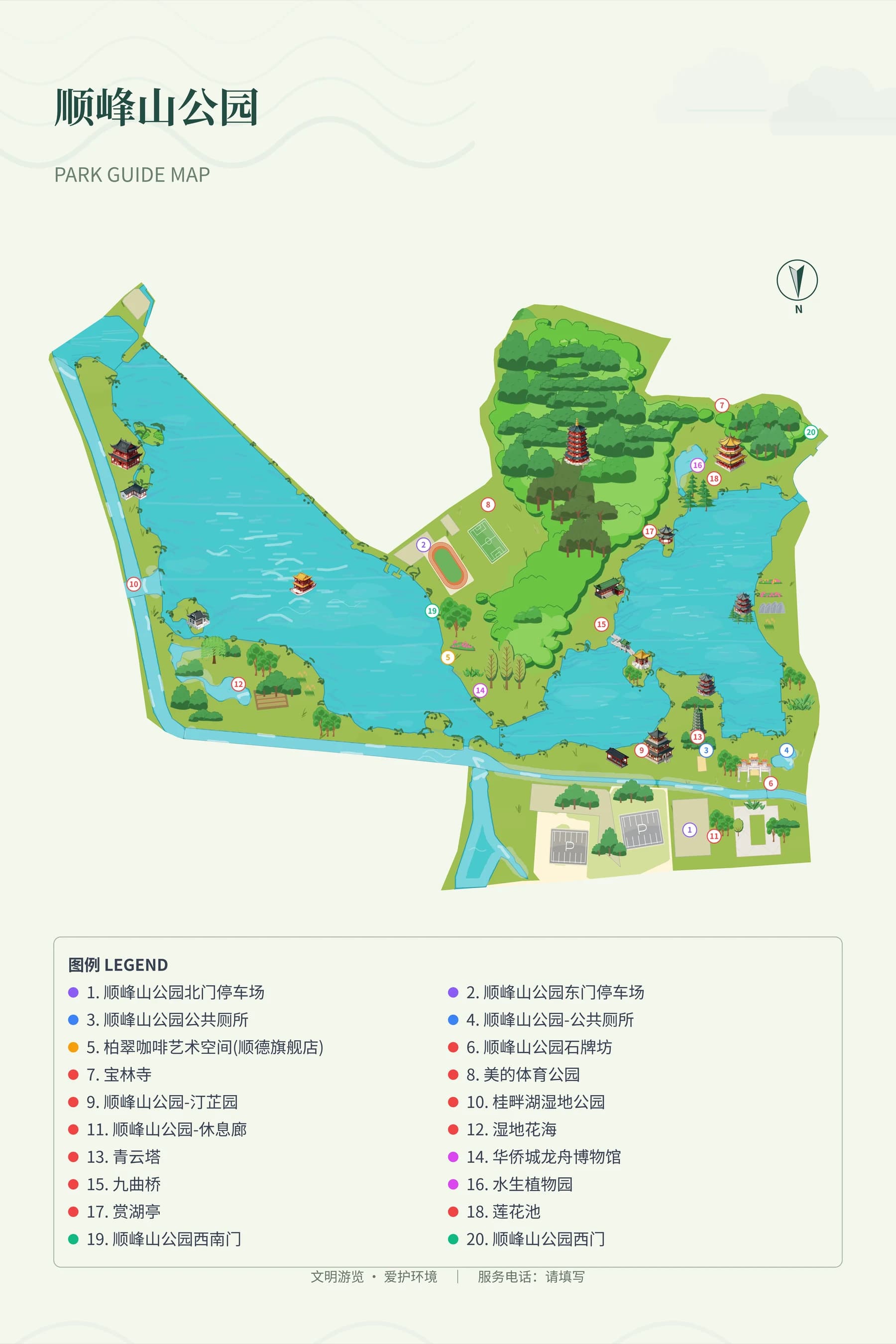
When creating a study tour map, should you organize the site first or the programs?
First build a stable map of entrances, classrooms, outdoor areas, restrooms and rest stops, then add the program sequence. Use numbers for program stops to match the activity sheet, and keep the official names of site locations unchanged to avoid conflicting names for the same place across different grade levels.
How do you separate work areas on a practical learning base map?
Clearly mark experience zones that students may enter, staff access routes, and production work areas. Access conditions for greenhouses, tool sheds and animal areas are subject to review by the management team. Showing a route on the map does not mean the activity is suitable for all age groups; program eligibility must be stated separately.
How do you draw program routes for multiple rotating groups?
Create clearly numbered versions for each group on the same base map, and keep all stops and assembly points consistent. Use both route colors and numbers, and avoid relying on color alone to distinguish routes. Program times and group sizes follow the organizing party's arrangements; map labels should not be treated as capacity approvals.
How do you deliver teacher lead maps and student task cards?
The teacher version retains all stops and return arrangements, while student task cards highlight the current program and the next assembly point. Check numbers and legends against the final printed sheet, and update all materials synchronously after removing expired programs. On-site visitor maps cannot replace activity organization, safety arrangements or professional reviews.
Frequently asked questions
Which software can I use to map an outdoor learning site?
You can use MapRove to edit base boundaries, program stops and route labels. First complete the site base map verified by the base, then save and update route versions separately for different activities. Export entitlements are subject to the pricing page.
What should a hands-on learning site map include?
They typically include the check-in desk, assembly points, experience zones, classrooms, restrooms and rest services, and also clearly mark the boundary between production and visitor areas. Activity opening conditions are confirmed by the base.
Can an educational map template replace an evacuation plan?
No. Program wayfinding maps show locations and sequence, while evacuation and emergency arrangements require accurate information and review by the appropriate responsible personnel, and should not be derived automatically from a general geographic base map.
How can I keep a learning activity map easy to read?
Keep only the stops related to the current activity, connect task descriptions with numbers, and add inset maps for complex site areas. Have someone unfamiliar with the site try to find the assembly point and restrooms, then decide whether to zoom in or reduce content.
Related map design workflows
- Campus Map Maker & Visitor Guides
- Farm Visitor Map Maker | Pick-Your-Own & Family Farm Guides
- Botanical Garden Map Maker | Collections & Seasonal Walks